HÖRST
Television with subtitles
August 8, 2025
7 minutes reading time


OSKAR
Portable TV voice amplifier
Advertisement
Table of contents
For many people, subtitles when watching television are not just a nice option, but an absolute necessity. For deaf and hard-of-hearing people in particular,watching televisionwithout subtitles is like trying to read a book without letters or pictures—simply impossible.
Accessibility:
Subtitles make television an inclusive medium. People who would otherwise have difficulty following the content can now easily participate. Media accessibility, e.g.,accessible television, is an important issue because it ensures that all people, regardless of their abilities, have access to the same information and entertainment.
Comprehensibility:
In addition to the obvious benefits for deaf and hard-of-hearing viewers, subtitles also enable viewers with a different native language to better understand programs. Imagine a complex discussion or a film with a strong dialect—subtitles ensure that you don't miss any important dialogue.
But it's not just about understanding what is being said. Subtitles can convey emotions, emphases, and nuances that might otherwise be overlooked. They can also be helpful when the sound in a scene is particularly quiet or drowned out bybackground noise.
The importance of subtitling goes beyond simply "seeing and hearing." It is about ensuring that television—one of the world's most widely used forms of entertainment and information—is accessible to everyone.

How do subtitles work?
When watching a television program with subtitles, you have probably asked yourself: "How do these lines appear at the bottom of the screen, synchronized with the spoken words?" The system behind subtitles is a combination of technology and human effort.
Editorial work:
Professional editors and subtitlers listen to the audio of a program and translate it into written form. In doing so, they must not only ensure that they reproduce the content correctly, but also that the text length and timing match the spoken word.
Speech recognition software:
More recently, specialized software that recognizes speech in real time and converts it into text is often used. Such software can speed up the process, but in most cases still requires human review to ensure that the subtitles are accurate and meaningful.
Subtitle transmission
Once the subtitles have been created, they need to be delivered to viewers. This is where various technologies come into play:
DVB (Digital Video Broadcasting) & HbbTV (Hybrid Broadcast Broadband TV):
These digital standards are revolutionary for modern television broadcasting. If you receive your programming via satellite, cable, or HD, you are likely using DVB. HbbTV is a newer technology that combines traditional television with broadband internet, enabling interactive services. Both standards support the transmission of closed captions, allowing you to conveniently activate them via your television or receiver settings.
Videotext/Teletext:
This technology may seem outdated to some, but it has proven its worth over the years. Some broadcasters still offer subtitles via teletext. In most cases, a specific page (e.g., page 150) is reserved for subtitles.
The fascinating thing about subtitles is that they are constantly evolving. With new technologies and growing awareness of the importance of inclusion and accessibility, there will certainly be many more innovations in this area in the future.
Turn on subtitles on the TV
Whether you want to watch a program in a foreign language, turn down the volume, or suffer from hearing problems, hearing loss, or deafness, the ability to turn on subtitles on your TV can make all the difference. Fortunately, today's TVs and receivers usually have simple and intuitive methods to make this possible. Below, you will learn how to turn on subtitles on your TV.
Turn on subtitles with the remote control
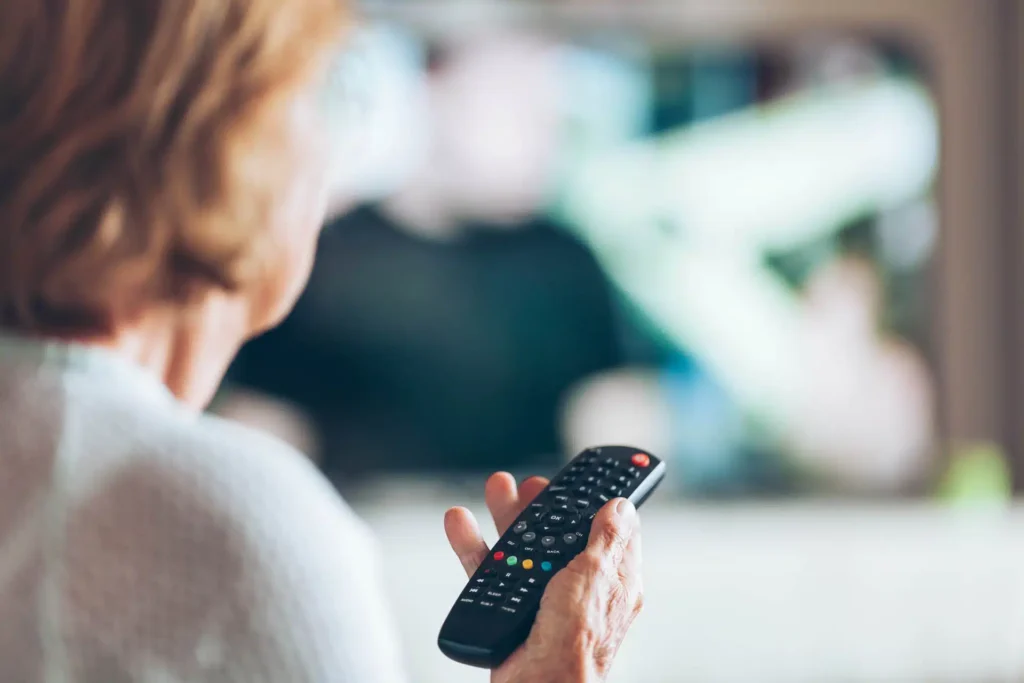
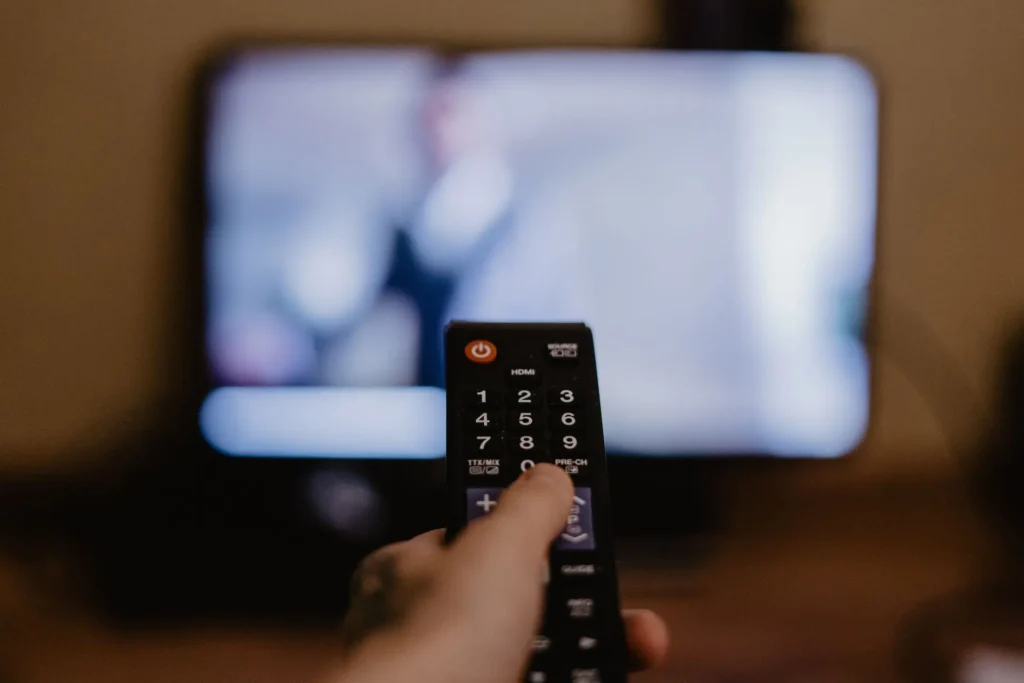
The main tool for turning on subtitles on your TV is usually the remote control. Many modern remote controls have a special "Subtitle" or "Untertitel" button. Simply pressing this button can turn the subtitles on or off immediately. If your remote control does not have this button, don't despair. There are other ways.
Turn on subtitles in the TV menu
Most modern TVs have a settings or options section. You can open your TV's menu by pressing a button labeled "Menu," "Settings," or a gear icon on the remote control. Navigate to the "Language & Audio" or "Picture & Sound" section. Look for the "Captions" or "Subtitles" option here. Once you have found it, you can turn on the captions on your TV.

Teletext – a traditional method
Some channels still offer subtitles via teletext. To access this feature, you need to open the teletext on your TV, often by pressing the "TT" or "TEXT" button on your remote control. Navigate to the page where subtitles are offered, often page 150 or similar.
Do all channels have subtitles?
In today's media landscape, where inclusion and accessibility are becoming increasingly important, it would be desirable for all television stations to provide subtitles for their programs. But is this really the case? The answer is somewhat more complex.
Major broadcasters and accessibility
Most major national and international television broadcasters have recognized the importance of accessibility and offer subtitles for the majority of their programs. This is not only done out of a sense of responsibility towards viewers, but also to reach a wider audience. People withhearing impairmentsor those watching a program in an unfamiliar language benefit greatly from subtitles.
Regional and smaller broadcasters
However, when we look at regional or smaller broadcasters, the picture becomes less consistent. Some of these broadcasters may not have the resources or technology to subtitle all of their programs. In some cases, it may also be a question of budget, especially if the broadcaster caters to a niche audience.
Streaming services and digital platforms
In addition to traditional television channels, streaming services and digital platforms have become increasingly popular in recent years. Many of these services, such as Netflix or Amazon Prime, offer subtitles for almost all of their content. This is particularly useful for people who want to watch programs in different languages.
Alternatives to subtitles: More than just words on the screen
Watching television is one of the most popular leisure activities worldwide. However, not everyone can enjoy conventional television programs without additional aids. While subtitles are an excellent way to make programs accessible to the hearing impaired or people learning a foreign language, many find subtitles distracting or annoying. Fortunately, there are alternatives that can improve the television experience for everyone.
audio description
Imagine being able to not only hear a movie, but also "see" it through words. Audio description makes this possible. A professional narrator describes the visual elements of the program during pauses between dialogue and important sound effects. This can range from the characters' actions and facial expressions to important scene changes or even colors and moods. Audio description offers blind or visually impaired viewers in particular the opportunity to experience the program in its full depth.

TV hearing aids
But what if the problem isn't seeing, but hearing? Especially in households where several people watch TV together, it can be difficult to adjust the TV volume so that it is comfortable for everyone. And not everyone wants to read subtitles when watching TV together. This is whereTV hearing aidscome in.
The OSKAR from faller audio, for example, is a portableTV speaker that brings the sound from the television directly to your listening position. Thanks to special speech optimization, dialog and speech are amplified and distracting background noise is filtered out. You can adjust the volume to suit your preferences. Think of it as a personal channel designed specifically for your ears. For people with hearing problems, this can make the difference between a frustrating and an engaging TV experience.
Further articles

Healthy candy alternatives for seniors
For many people, craving sweets is part of everyday life. However, traditional sweets often contain large amounts of sugar and provide

Cooking together in old age
As we get older, our everyday lives change in many ways. The children have left home, our partner may be

Protein-rich nutrition in old age
As we age, our bodies change in many ways, and nutrition plays a crucial role in our health.